
Now on iPhone and Android
Keep what you will forget.
You will remember the birthdays. You will not remember how they said “yesterday,” the face they made at the fan, or the thing they were certain about at four.


- One question a day
- Little Now never uploads your memories
- No streaks. No guilt.

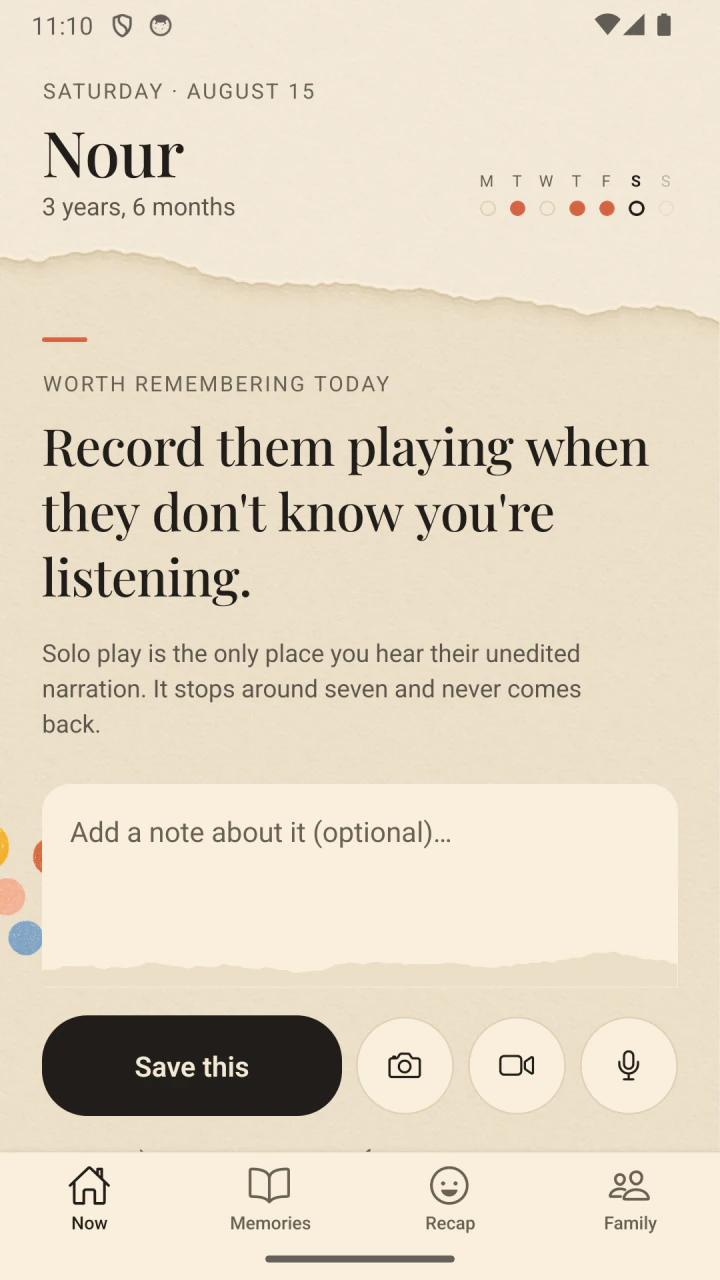


Worth remembering today
The small things go first.
A blank journal asks too much at the end of a long day. Little Now brings one specific question, chosen for the age your child is today. A one-line answer is enough.
For right now
“Write down a word they say wrong, exactly how they say it.”
For right now
“Photograph something they wrote naturally this week.”
For right now
“Record them playing when they don’t know you’re listening.”

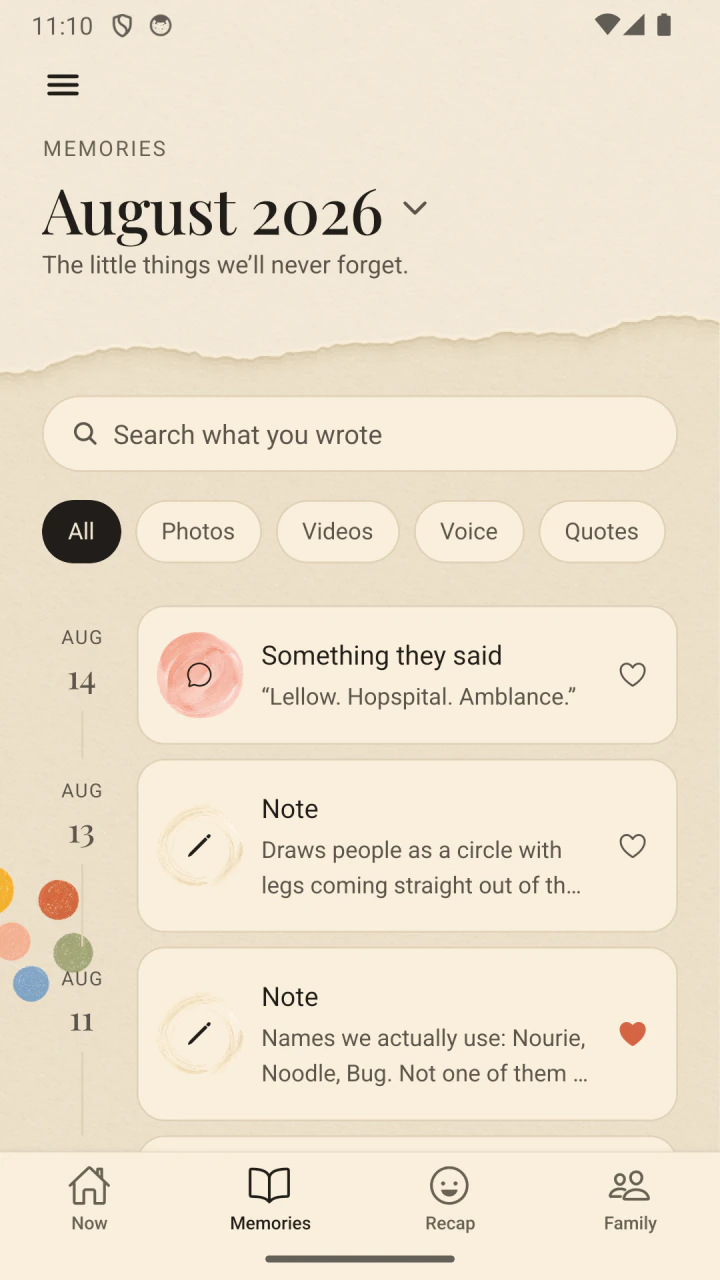

One small question a day
No blank page. No catching up.
The prompt changes with their age. Answer with a sentence, a photo, ten seconds of voice, or a video. Skip today if today is full.
- 01Little Now notices what is easy to miss.
- 02You keep it in the form that feels natural.
- 03Everything becomes a quiet, searchable timeline.
Watch them become themselves
The same question. A completely new child.
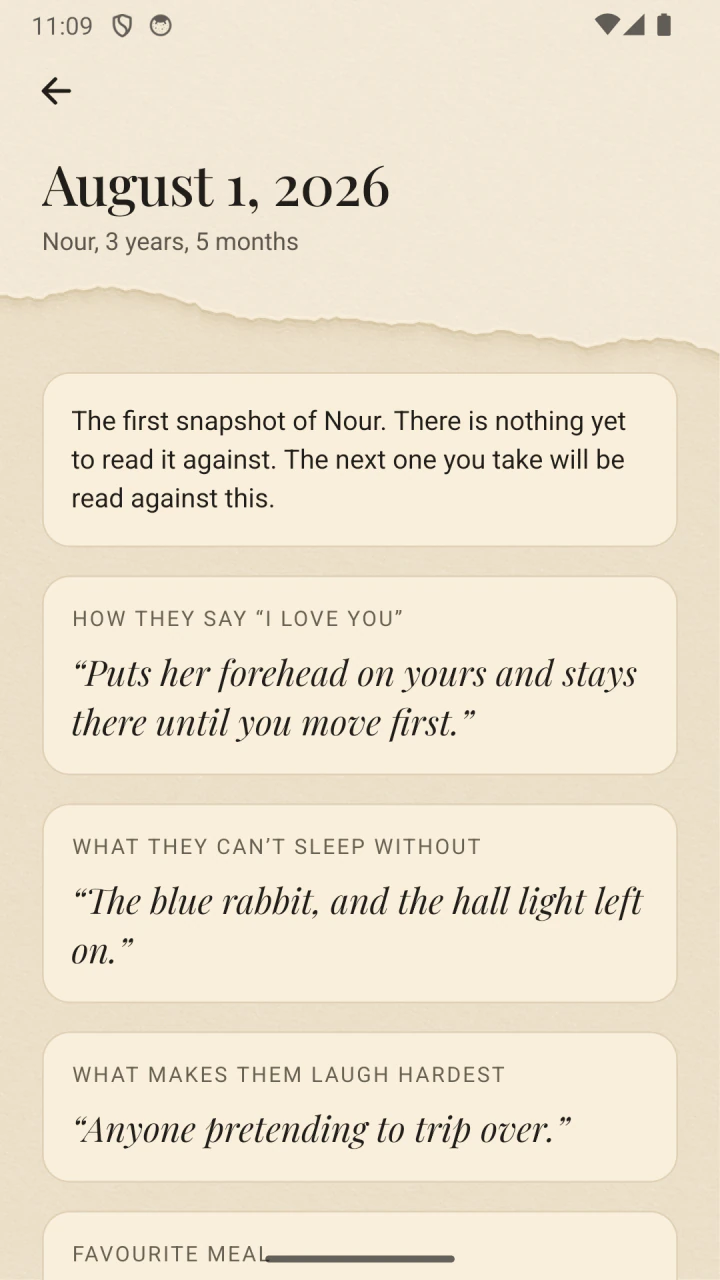
Their Now saves a snapshot of who they are this year. Ask Them Again keeps their answers side by side, so “What do you want to be?” becomes a story only time could write.


Milestone · Their words
First laugh
Whatever caused it will never be that funny again. Write down what it was.
Most children between 2 months and 6 months.
37 firsts you haven’t written down
The firsts
Nothing here is ever late.
Little Now keeps 56 firsts, from the first real smile to the day they argue a point well enough to change your mind. One comes up when your child is around the age for it. There is no progress bar and no score, and nothing is ever marked missed or overdue.
- 01One first at a time, never a checklist to clear.
- 02Say “not for us” once and it stops being suggested. Nothing is deleted, and one tap brings it back.
- 03The ones already behind you wait in one place, dated from their birthday so a first written down late still lands in the right year.

The part you keep it for
Then one ordinary Tuesday, it comes back.
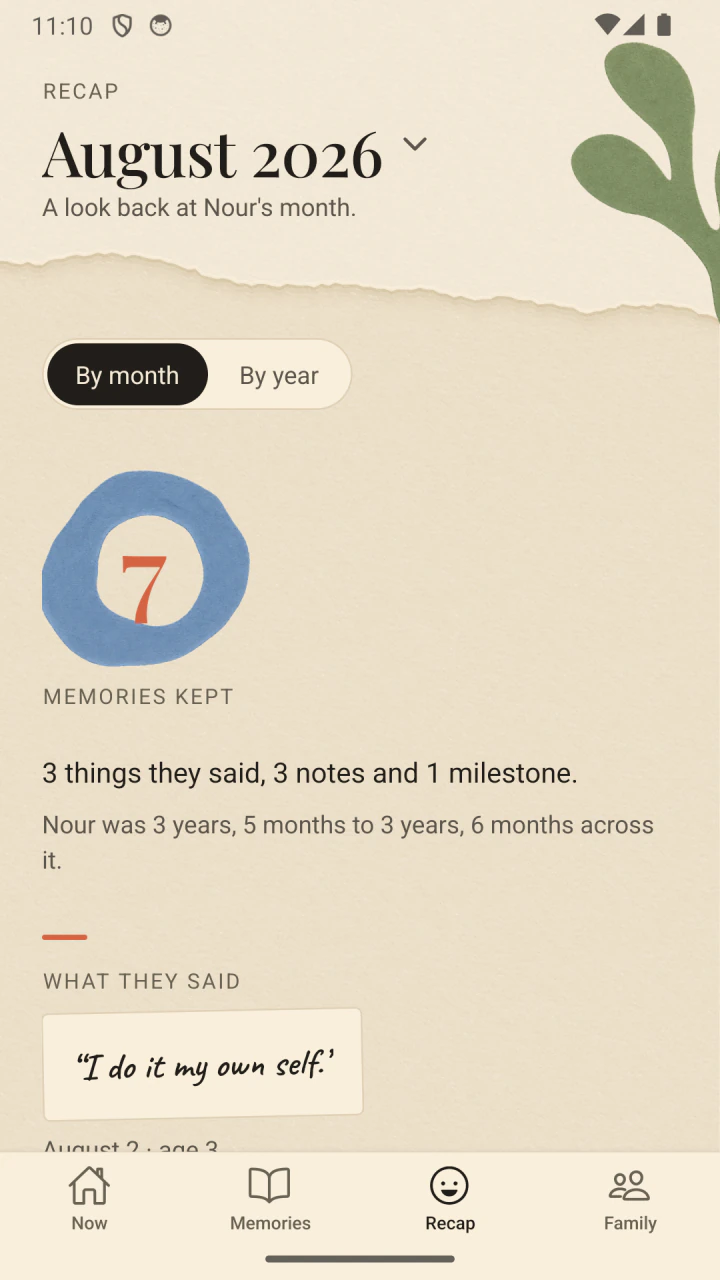
Little Now gathers the month into a recap and resurfaces memories on their anniversaries. You do not have to go looking. The detail you had forgotten finds you.
When you want it in your hands
A book you can print and give away.
Make a book turns one child’s memories into a single PDF, oldest first: a cover, a contents page, then a chapter for every year of their life, with the photographs in place. The export is the safe. This is the object you hand to a grandmother.
Take the whole childhood, only the ones you starred, or a single year, with the photographs or without. Anything dated from before they arrived gets a chapter of its own.
Contents
- Before you6 memories
- The first year148 memories
- One year old131 memories
- Two years old117 memories
- Three years old96 memories
Private by build
Memories should be kept close, not shared.
Privacy is not a setting in Little Now. It is the shape of the whole product.
-
01
No account
There is no profile to create and no family feed waiting behind a login.
-
02
No content server
Little Now never uploads your writing, photos, videos, or recordings.
-
03
Always yours
Reading and exporting stay available, even if a subscription ends.
Support and good questions
Help, without a ticket queue.
Write to a person at support@littlenow.app. Include your phone model and what you expected to happen. Please do not email child photos, journal exports, recordings, face measurements, or health details.
Where are my memories kept?
Your journal lives in the app’s private storage. There is no Little Now account or content server. You can turn on an automatic copy to cloud storage you own (iCloud Drive on iPhone, a folder you pick on Android), and keep an export whenever you want a portable copy in your hand.
How do I get everything out?
Open Settings, then Your data. The export is a single file holding your writing along with every recording, video, and app-owned photo that is present.
Is Little Now a baby tracker?
No. It does not score development, compare children, or turn milestones into warnings. It simply helps you notice and keep who they are today.
What if I miss a day?
Nothing happens. There are no streaks and nothing to catch up on. The next question will be there when you are ready.
What happens if I stop subscribing?
Capturing new memories pauses. Reading your timeline and exporting everything stay available. Your memories are never held behind a renewal.
How do I get a refund?
Apple and Google hold the payment, so they handle refunds, not us. On iPhone, go to reportaproblem.apple.com or Settings > your name > Subscriptions > Little Now > Report a Problem. On Android, open the Play Store app, tap your profile icon, then Payments and subscriptions > Budget and history, find the order, and tap Request a refund.
I changed phones. What should I do?
If you kept the automatic copy on, restore it from Settings > Your data: on iPhone the app looks in your iCloud Drive itself; on Android, point it at your backup folder. A completed platform backup can also restore eligible data, and a Little Now export remains the portable copy that works everywhere, including between iPhone and Android.
Does face recognition upload my photos?
No. It reads the picture on your phone using a model inside the app. The privacy policy explains device backups and exports in detail.

Remember who they are right now.
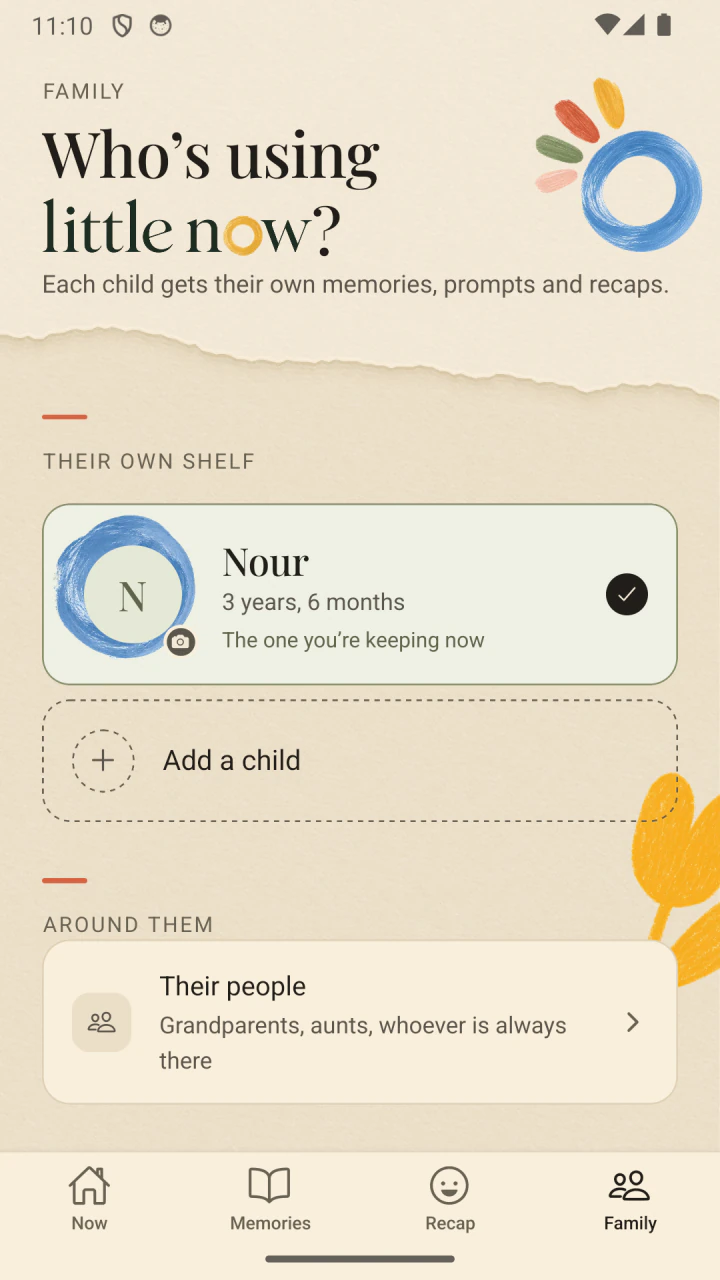
Little Now is out now, on iPhone and on Android. One question a day about your child, answered in a minute, kept on your own phone.
No account to make, and nothing arrives by email.
For parents of children 0–18